2018 and newer Stellantis (FCA) vehicles route OBD2 communication through a secure gateway module. Without authentication, generic tools may read limited engine data or fail to connect entirely. FCA AutoAuth unlocks full diagnostics on supported TOPDON tools.
Compatible TOPDON Tools
- TopScan Lite, Pro, and Master
- AD800BT 2 and AD900BT
- Phoenix Lite 3, Plus 2, and Smart
- ArtiDiag600 Pro and VeriDiag X800 BT (verify SKU)
AutoAuth coverage expands with firmware updates — confirm your exact model year on the TOPDON compatibility list before purchase.
Setup Steps
- Register for AutoAuth credentials at the Stellantis developer portal
- Link credentials through the TOPDON app or tablet interface
- Connect to the vehicle and complete the gateway handshake before full-system scanning
What AutoAuth Unlocks
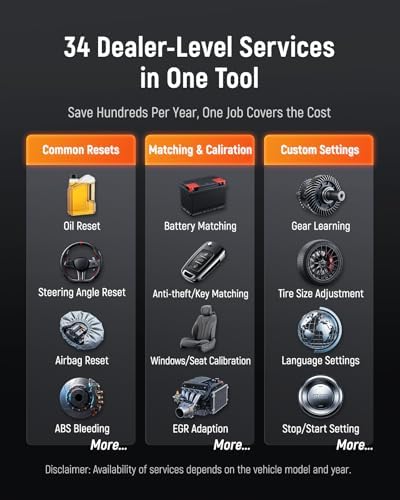
Full ABS, SRS, transmission, and body module access on gateway-equipped vehicles; bi-directional tests and service resets that are blocked without authentication; and accurate coding routines on supported platforms.
Compare AutoAuth-ready tools on our shop page or start with TopScan Lite.